

 Playtech
PLAYTECH GAMES ON WINBOX

Open Playtech from the Winbox provider directory to explore the titles available in your account. Live tables and slots offer different interfaces and rules. Use each game’s information panel to check the format, stake limits and available actions.
ACCESS THROUGH YOUR WINBOX ACCOUNT
Start from the Winbox login page, enter the provider menu and select Playtech. If a title is unavailable, check for a service notice or contact support with the game name. Do not create duplicate accounts or install an unrelated app to bypass a loading issue.
EXPLORE PLAYTECH LIVE TABLES
LIVE CASINO
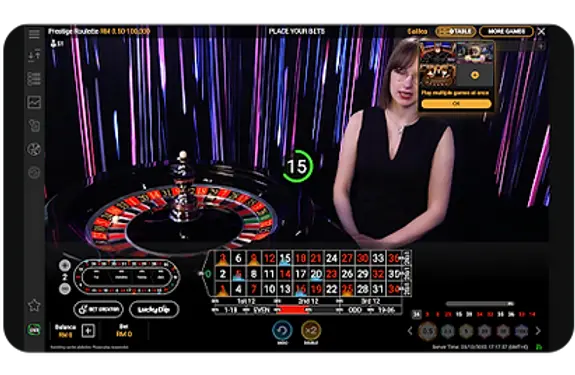
PRESTIGE ROULETTE LITE
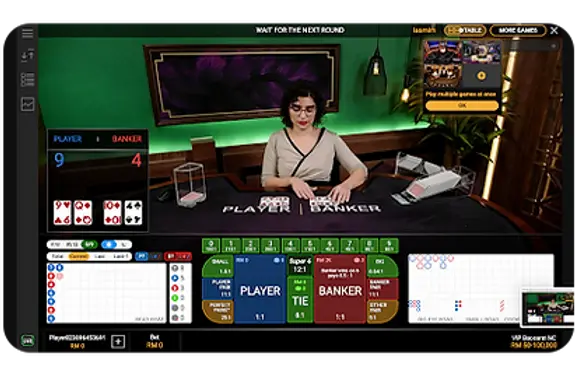
VIP BACCARAT
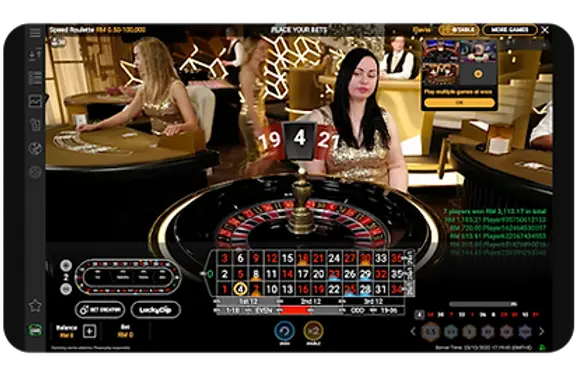
SPEED ROULETTE
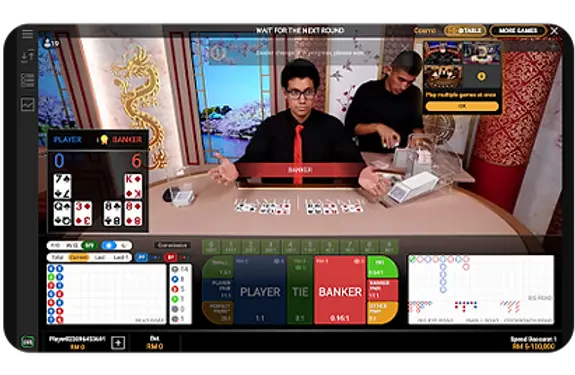
MINI BACCARAT
Choose a live table by reading its actual rules and limits. Roulette, baccarat and other table formats may offer variants or side bets with different conditions.
Check the round timer and accepted-bet confirmation. The studio video is part of the presentation and can be delayed. Use the account record to verify your stake and result.
If a round is interrupted, keep its reference and check the settled history before retrying. A support enquiry is easier to trace when it includes the table name and time.
EXPLORE PLAYTECH SLOT THEMES
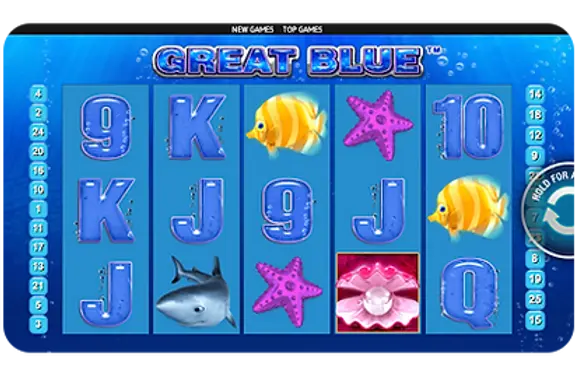
GREAT BLUE
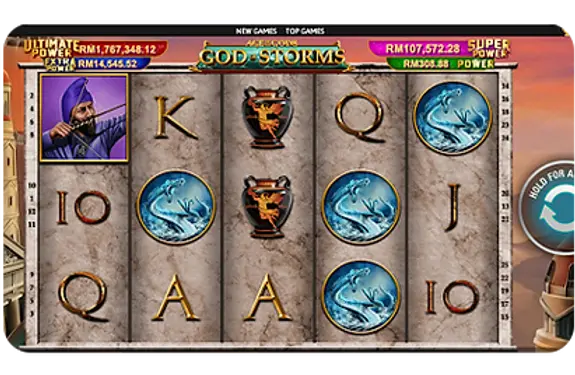
GOD OF STORM
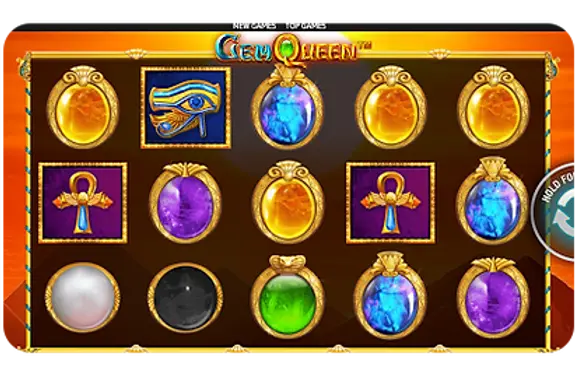
GEM QUEEN
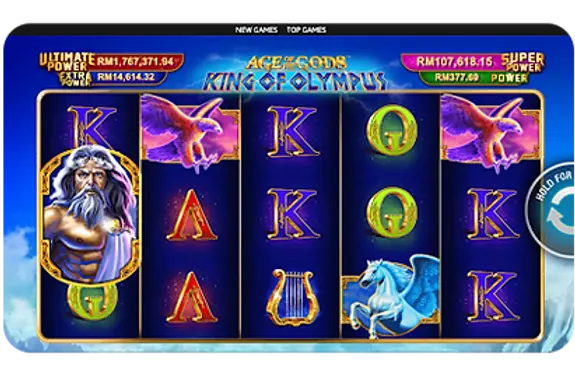
KING OF OLYMPUS
Slot titles differ in symbol combinations, feature triggers and stake settings. Browse the current lobby, then open the information screen for the game you select.
Review the total cost of a round and any optional feature before confirming it. A maximum prize or illustrated bonus does not promise an individual return. Where an RTP value is shown, it refers to a theoretical long-run figure for that configuration.
Promotion eligibility is separate from a game’s built-in features. Check the current offer for excluded titles, contribution rates and claim conditions.
Use the Winbox download guide for device access and the help centre for account questions. Keep a spending limit and pause when you need to review your activity.