





Winbox Download and Mobile Access
Use this page to find the appropriate Winbox access route for your device. Android installation, iPhone setup and browser login are different processes. Choose the matching option and read the destination page before accepting a download.
Before you install
Keep enough free space on your device and use a stable connection. Check that the download comes from the intended destination. Do not install a file sent by an unknown contact or assume that an old screenshot identifies the current release.
Android setup
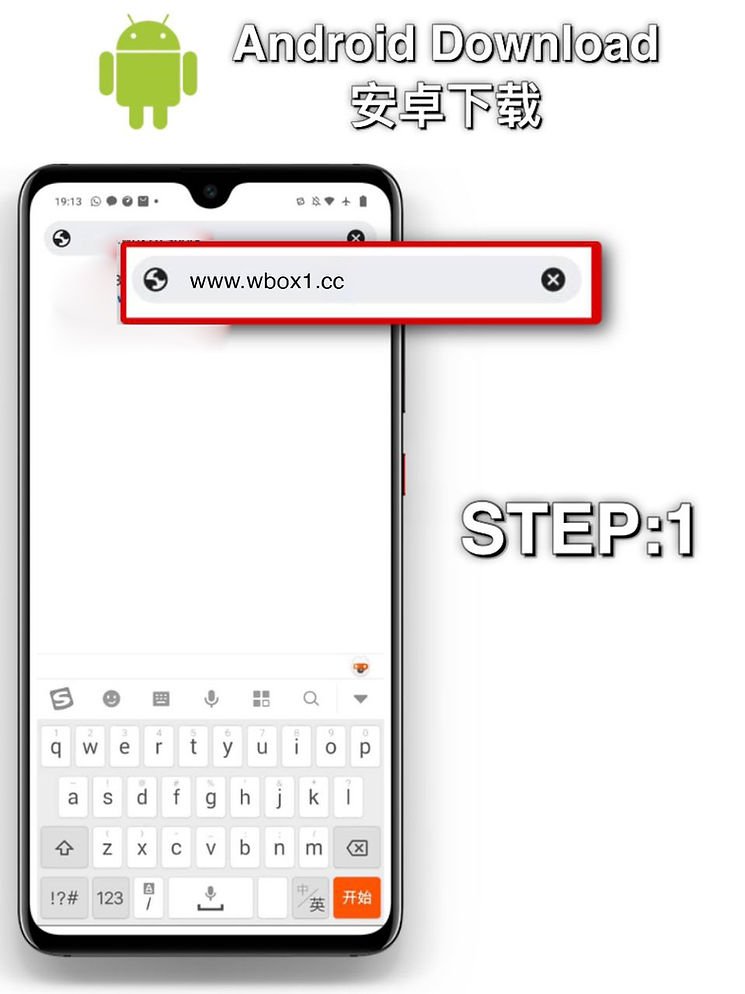
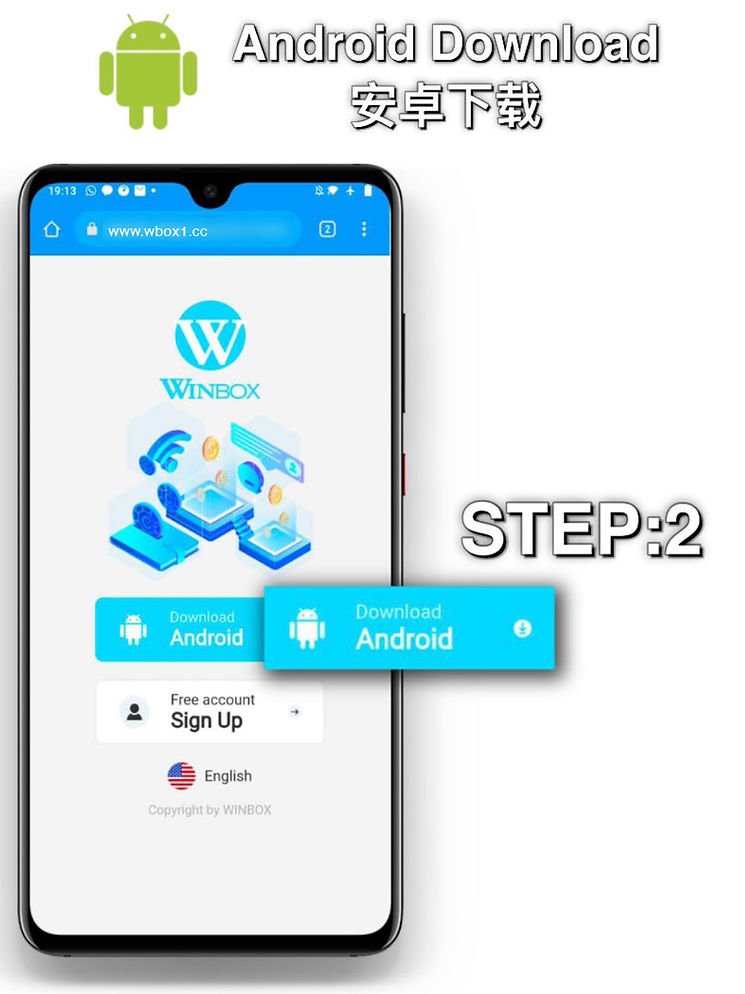
The linked page may offer an Android package or direct you to an account screen. Follow the current instructions there. If Android asks for permission to install an app, review the source and requested access first. Do not disable device protection to force an unfamiliar file to run.
iPhone setup
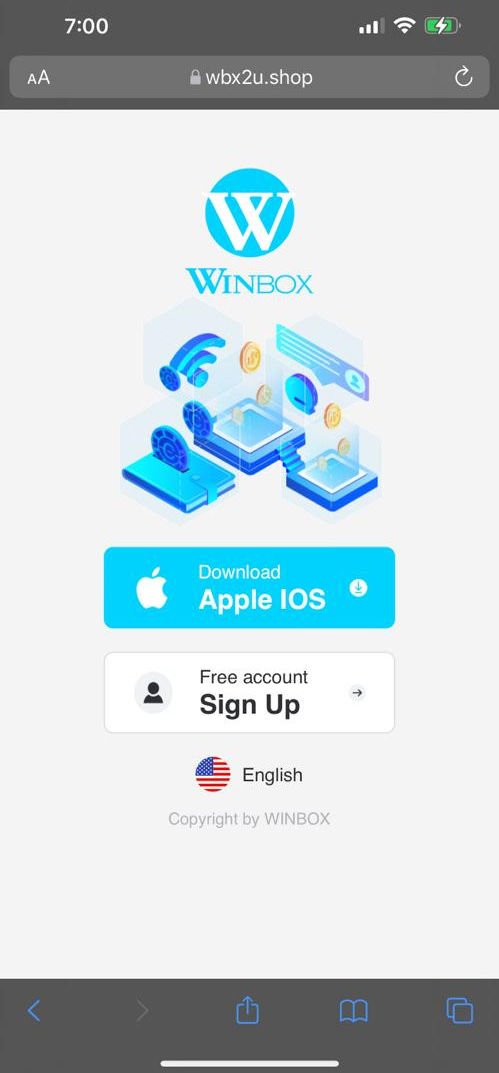
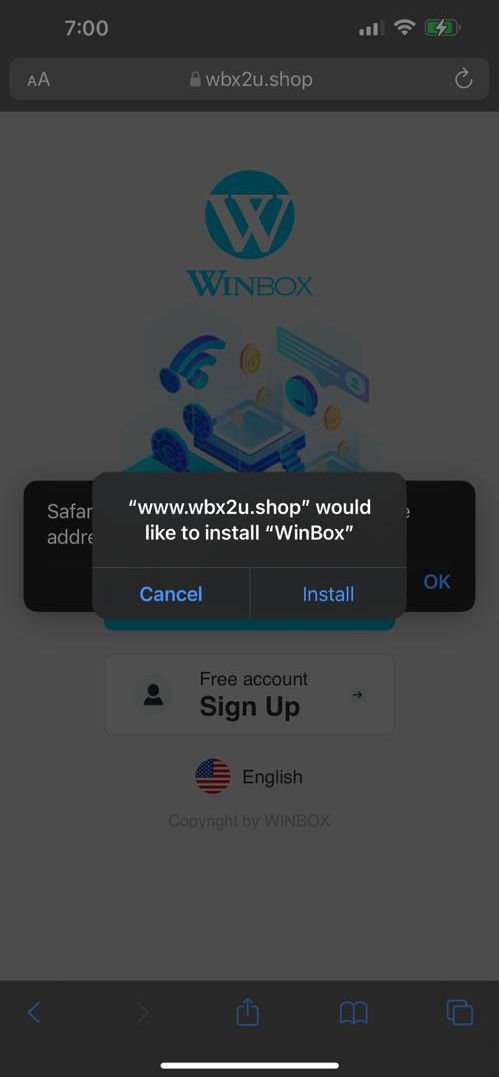
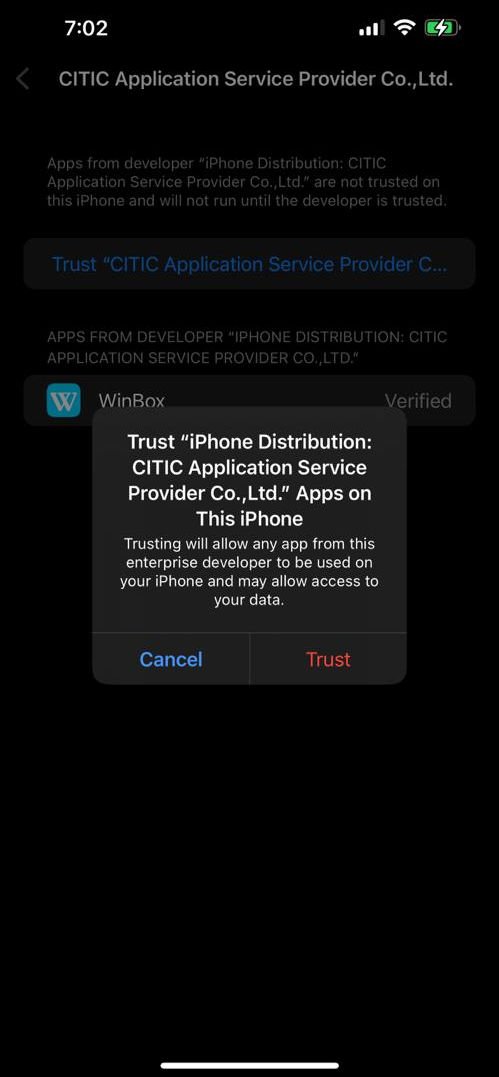
Open the iPhone link in your browser and follow the instructions shown for your iOS version. An Android APK will not install on an iPhone. If a profile or publisher cannot be verified, stop and ask support to confirm the available access method.
Use the browser when appropriate
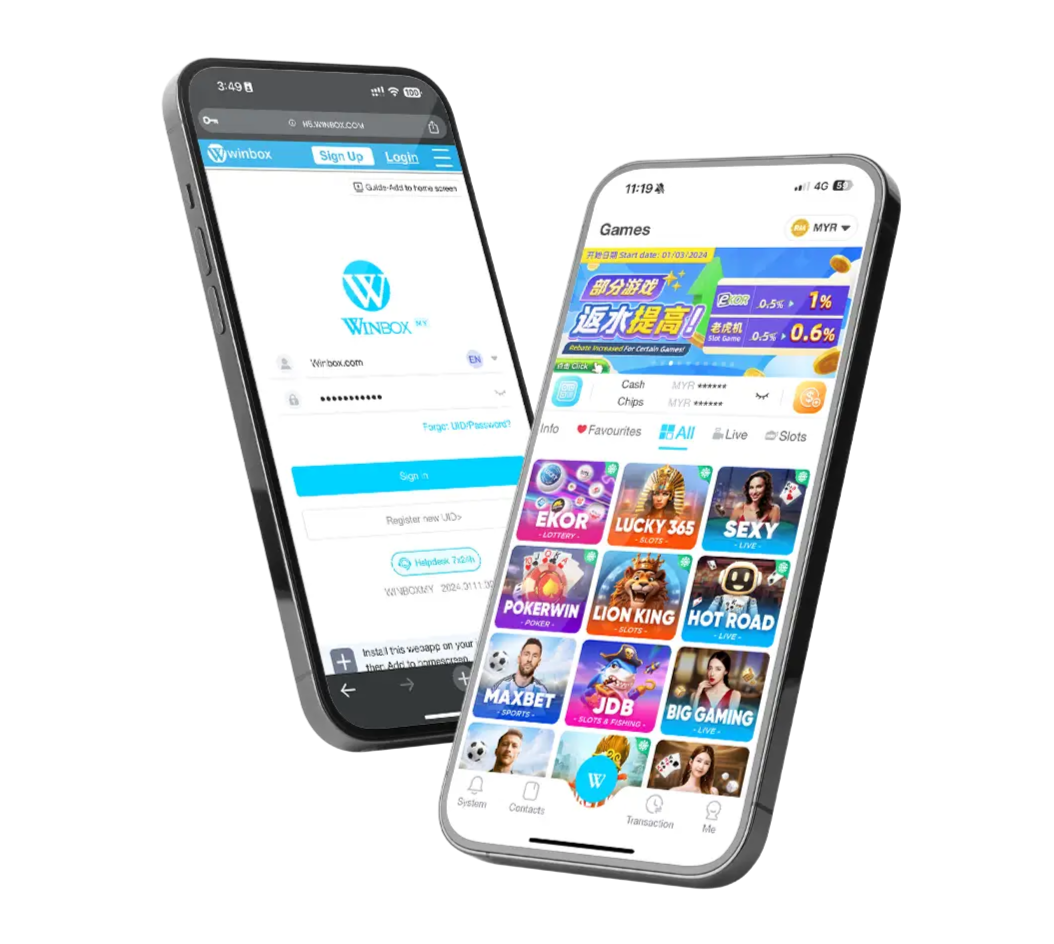
If the linked service provides browser access, you may be able to sign in without a separate installation. Start from Winbox login, check the address and use your existing credentials. Avoid creating another account simply because one device will not load.
Fix a download or login problem
Check your connection, available storage and browser updates. Record the exact error instead of repeatedly downloading the same file. If the app opens but sign-in fails, use account recovery or the help centre. Reinstalling an app will not correct an incorrect password.
Keep access details private
Use a password that you do not reuse elsewhere. Never send a password, bank login or one-time code to support. For a setup issue, your device model, operating system version and a screenshot with sensitive details covered are usually more useful.
Need a new account? Read the registration tutorial before starting. Existing members should continue with their established UID.