

 Lion King
 on Winbox
Explore the Lion King section from your Winbox account and browse the games available in its lobby. Preview the theme, read the rules and check the stake controls before opening a session. This page brings together access guidance and the questions worth asking about a game or promotional feature.


Explore Lion King Titles
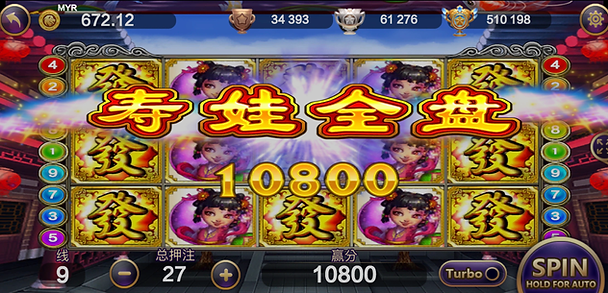
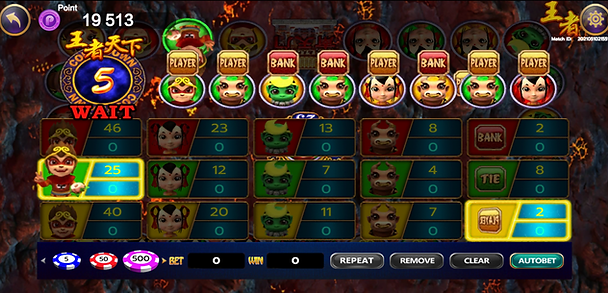

Open the Lion King Game Guide
Review the controls before choosing a faster play mode. Speed changes how quickly rounds occur; it does not make a winning result more certain.
Find Lion King through Your Winbox Account
Start at the Winbox lobby and select Lion King from the provider menu. This keeps account access and the game selection in one route. The titles shown may vary, so use the current lobby as your guide.
What to read before a round
The game information screen explains symbols, payout combinations and special features. Check the stake setting after changing games, even if the controls look familiar. A previous title’s settings may not carry over.
Understand optional features
Some games include faster animation, automatic rounds or additional feature options. Read the controls and any costs before enabling them. Set a session limit and pause when you need to review the account record.
Installation and access help
Older Lion King version numbers and file sizes are not reliable installation instructions. Use the Winbox download page and confirm the current source. If you already have an account, recover access rather than opening a duplicate account to solve a device problem.
Check campaign conditions separately
An in-game reward and a Winbox promotion may have different conditions. Confirm which games count, how any turnover is calculated and when a claim expires. Visit the promotion guide for the questions to check first.
For a loading issue or disputed round, keep the game name, approximate time and round reference. The support page provides the linked contact route.