


WINBOX HORSE RACING: RACE CARD GUIDE
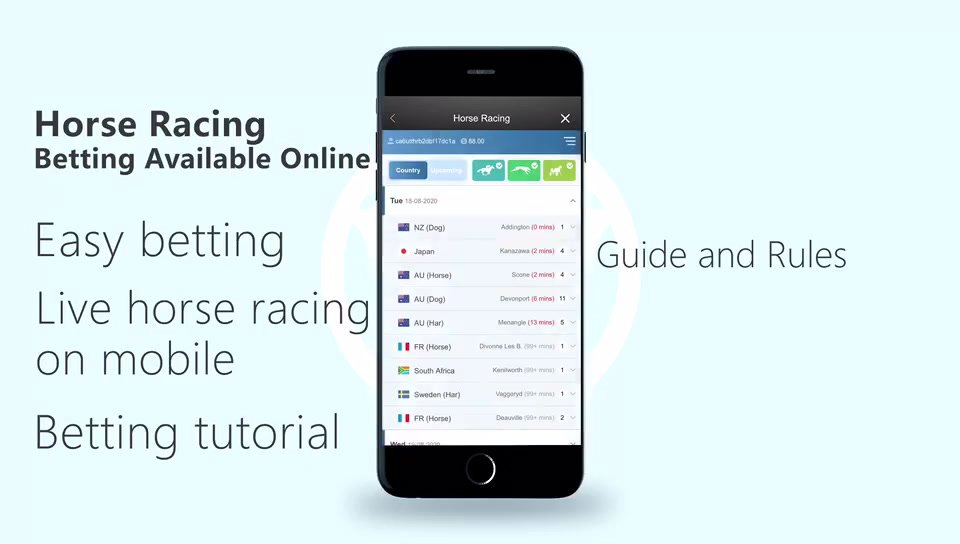
Follow a Race through RCB988
Start from the Winbox game menu and open the available racing provider. Find the meeting and race number before inspecting the runner list. Check the scheduled time and current race status.
Read the market definition
A market name needs its accompanying rules. For a place market, confirm the number of qualifying positions and any conditions tied to the field. For other market types, read the selection and settlement requirements before proceeding.
Review the accepted ticket
Check the runner, market, stake and accepted odds on the account record. A choice highlighted on screen is not the same as a confirmed ticket. Keep the reference if you need to query the result later.
Check changes and results
Withdrawn runners, delays and abandoned races can affect settlement. Use the provider’s rules and final account record, and ask support to explain any unclear adjustment. Video timing may differ from the account interface.
Visit the RCB988 guide for the main checks or the help centre for account issues.